Where do I find my points balance?Updated 8 months ago
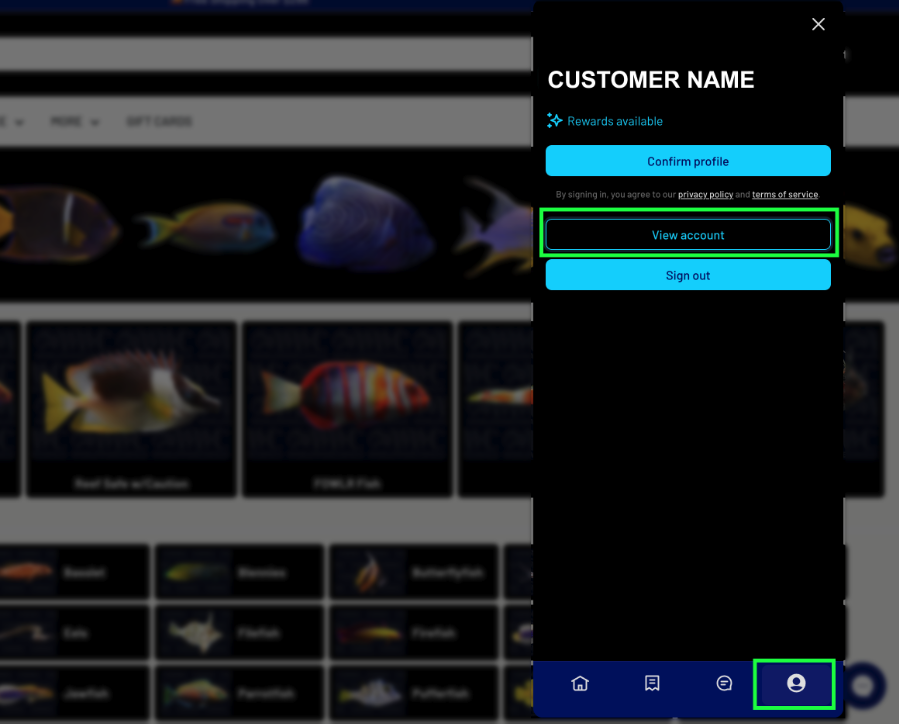
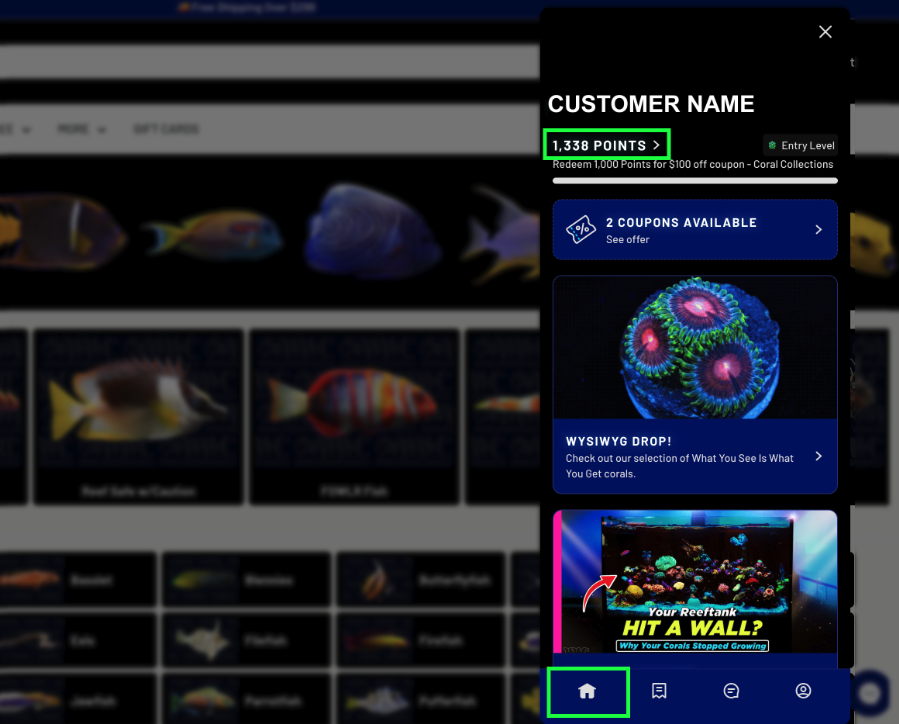
You can log in to your account to check your points balance at any time by clicking the Customer Hub icon in the lower-right corner of our website, or by visiting your customer account page and selecting the Loyalty Hub tab at the top of the page. This is where you can view your points, VIP status, and rewards.
*Points cannot be transferred to other accounts nor can they be combined from multiple accounts